
How to Check DPI of an Image Before Printing or Uploading
A printer that blurs your admit card, a portal that rejects your photo for "incorrect DPI", a client who says the logo looks soft at A4: all three complaints trace back to a number nobody checked beforehand. Learning how to check dpi of an image takes three seconds once you know where the number lives, and saves the thirty minutes of reprinting or re-uploading that follows when you do not. In one line: how to check dpi of an image means reading the metadata pair of pixel dimensions and stated DPI, then doing one division to see what physical size those pixels can honestly support at print quality. The math is one line; the habit is the whole skill.
What DPI actually is, and what it is not
DPI, dots per inch, is metadata: a suggestion stored in the file about how large each pixel should print. The same 1200-pixel image carries no quality difference at 72 DPI or 300 DPI; only the promised physical size changes, sixteen inches versus four. Quality lives in pixel count and lens sharpness, not in the DPI tag.
That is why "increase the DPI" never sharpens anything: editing the tag to 300 without adding pixels just shrinks the promised print size. Screens ignore the tag entirely and show pixels one-to-one, which is why an image can look perfect on a monitor and blur on paper.
The three-second check, everywhere
- Windows: right-click the file, Properties, Details tab; read dimensions and horizontal resolution.
- macOS: open in Preview, Tools, Show Inspector; the info pane lists DPI and pixel size together.
- Phone: most gallery apps hide DPI; use an in-browser DPI checker instead, which reads the metadata locally without upload.
- No metadata at all: many web downloads strip it; then assume 72 or 96 and judge by pixels alone.
When metadata is missing or lying, pixels are the only truth: an in-browser checker that reports both the stored tag and the computed print size at 300 DPI tells you more than either number alone.
The one-division print math
Print quality for documents and photos starts around 300 DPI: pixels divided by 300 gives honest inches. A 1200 x 1600 photo therefore prints crisply at 4 x 5.3 inches and blurs at A4, because A4 at 300 DPI demands roughly 2480 x 3508 pixels. Do the division before the print job, not after.
Large-format work bends the rule: banners viewed from metres away print fine at 72 to 150 DPI, because viewing distance scales the requirement. The question is never "is it 300 DPI?" but "at the size and distance this will be seen, are there enough pixels per inch of eye?"
DPI is a promise about size. Pixels are the money behind it. Check both before you print.
Why portals that quote DPI really want pixels
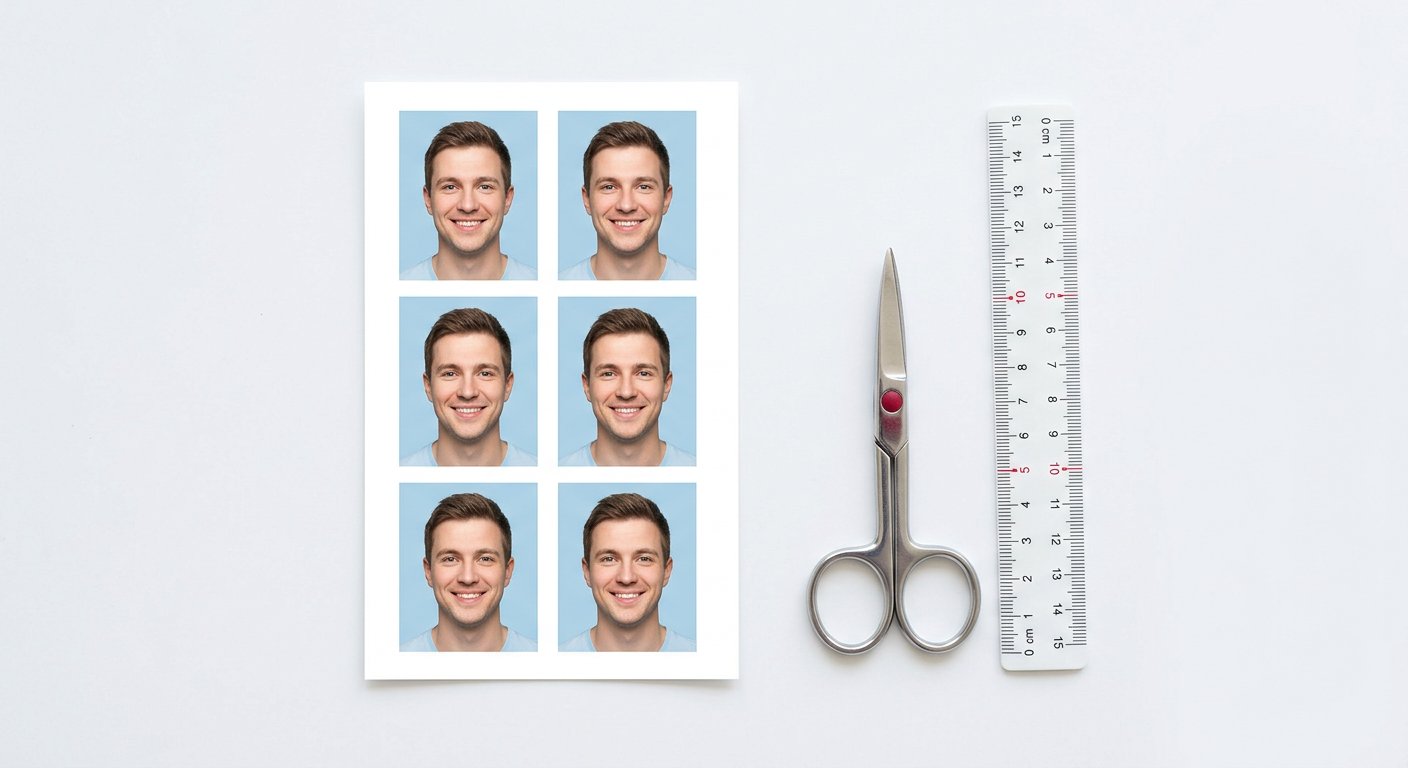
Exam and visa portals say "200 DPI" because their spec writers think in print, but their validators check pixel dimensions, because that is what actually renders on an officer's screen. A 3.5 x 4.5 cm photo at 200 DPI is simply 276 x 354 pixels; give the validator those pixels and the DPI tag never matters.
So translate every DPI spec into a pixel box once and reuse it: multiply centimetres by DPI divided by 2.54. Keep the translation in your spec notes beside the portal's name, and the seasonal form rush becomes a paste instead of a puzzle. The UPSC specs guide carries the common ones pre-computed.
Fixing a bad number the right way
If pixels are plentiful and the tag is wrong, reset the tag: set 300 DPI and the promised size corrects itself with zero quality loss. If pixels are scarce for the target size, the honest fixes are re-capture, re-scan at higher resolution, or a moderate upscale under 2x with a good resampler; each adds real information rather than renaming the lack of it.
And check again after every export: compression tools and messaging apps rewrite or strip metadata routinely, so the DPI you verified before sending may not be the DPI that arrived. Three seconds at the destination end closes the loop that reprinting otherwise opens.
Frequently asked questions
Does raising DPI improve image quality?
No. It only changes the promised print size. Quality improves only with more pixels or a better source capture.
What DPI do I need for A4 printing?
Around 300 DPI, which means roughly 2480 x 3508 pixels. Below that, text and edges soften visibly on paper.
My file has no DPI metadata. Is it bad?
Not necessarily. Judge by pixel dimensions against the target size; many web images strip metadata while keeping full quality.
We build and test free, in-browser PDF and image tools. Every guide is written from hands-on testing with real files, and updated whenever browsers or formats change.
DPI Checker toolAll articles →Do it now, in your browser
Nothing is uploaded. The file is processed on your device and never leaves it.
Open DPI Checker →