
CV Maker Free Download: PDF and Word Without Signup or Payment
Type cv maker free download into any search engine and you get a wall of builders promising exactly that, right up to the moment the export dialog asks for a card, an account or a tolerance for watermarks. The download step is where free tools stop being free, which makes it the only step worth judging them by. In one line: a cv maker free download worth your twenty minutes produces a clean PDF or Word file, first try, with no signup, no payment and no third-party logo on your name. Judge the exit, not the landing page, and the rest of the build is easy.
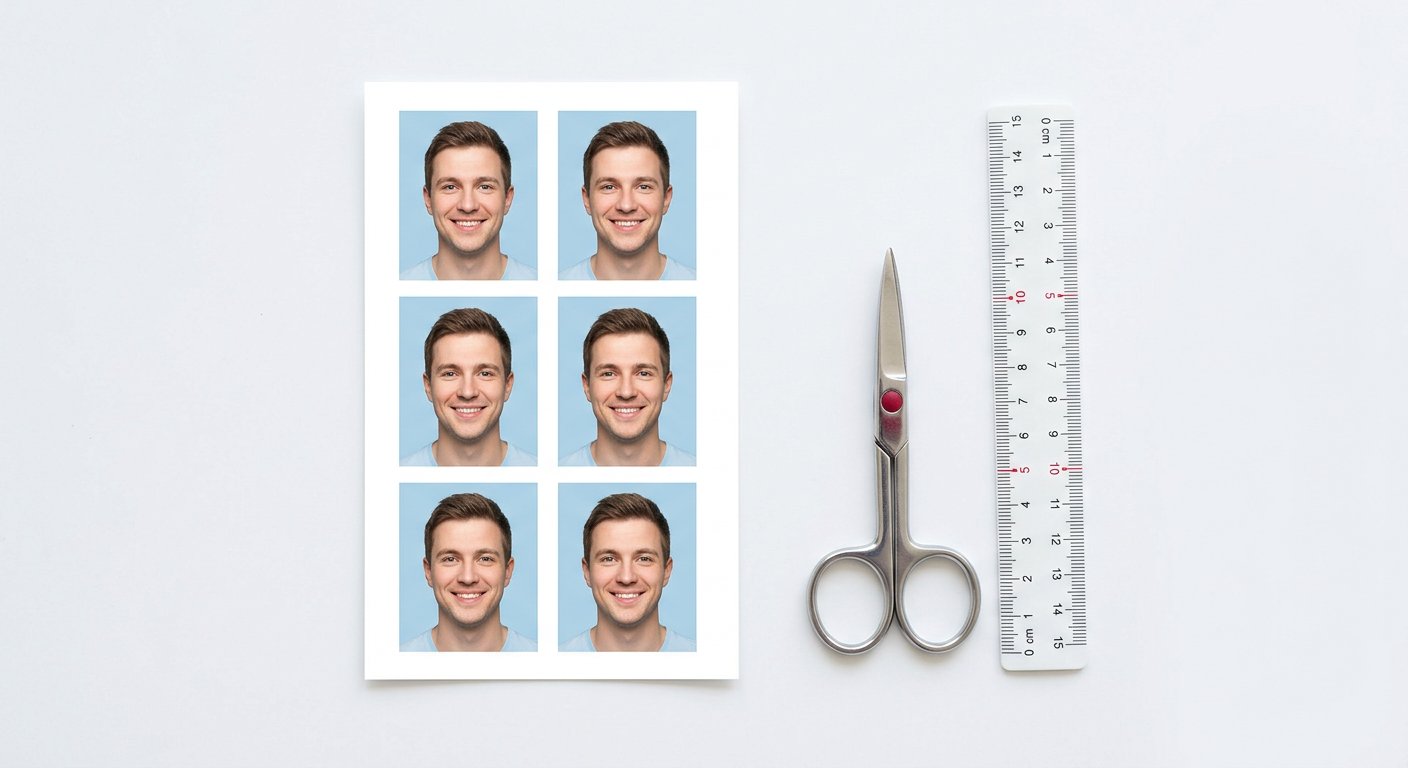
Why the download step is where free tools stop being free
Building a CV is cheap for a tool to offer: text fields and a preview cost nothing and hook you with sunk effort. Exporting is where the business model lives, so the paywall waits exactly there. You discover it after forty minutes of careful writing, which is the point.
The honest markers of a genuinely free export are visible before you invest: a public pricing page that lists free export, a preview that shows the final file including corners and footer, and sample downloads you can inspect. Ten seconds of checking saves an evening of rewriting in a different tool.
PDF or Word: choose by destination, not by habit
- Email applications and LinkedIn Easy Apply: PDF, always. Layout survives every viewer and nobody edits your claims.
- Older government or university portals that specify .doc or .docx: Word, because their parsers predate PDF support.
- Consultancies that annotate candidates' files internally: Word if they ask, otherwise PDF; annotations on PDF work fine for them too.
- Print fairs and walk-ins: PDF at normal size; print shops handle PDF predictably, Word reflows on their machine.
Keep both exports of your current master in one folder. The question "do you have a Word version?" arrives at the worst possible time, and having it pre-built is a two-second reply instead of a panic export.
The free download checklist before you click
Preview at 100 percent and look at four things: page count (one for freshers, two maximum with five-plus years), the page-break behaviour of your newest role's bullets, the footer (no tool branding, no page numbers on a one-pager), and the photo if your variant carries one. Fix spacing inside the maker rather than after download; post-export surgery in Word undoing margins is how layouts die.
Then check the file, not just the screen: open the downloaded PDF in a second viewer, select the text and copy a line into a plain editor. If the copied text arrives as clean words, parsers will too. Garbled copy means embedded-structure trouble, and you want to know now, not after a silent ATS rejection.
Judge a CV maker by its exit door: the export dialog, the file name, the clean corner of page one.
File size, naming and version control
Portals cap uploads anywhere from 100 KB to 2 MB. A text-only CV lands around 40-80 KB; add one photo and it can triple. If a cap bites, compress the photo inside the CV rather than the CV itself, so text stays crisp. Names matter more than people admit: Firstname-Lastname-CV.pdf travels through inboxes, shortlists and print queues without becoming "unknown.pdf".
Version by audience, not by date: master, government variant, private variant. Edit the master, re-export the variants, and delete intermediate files monthly. A folder with eleven "final" files guarantees sending the wrong one someday.
When a portal rejects your file, and the two-minute fix
"Invalid format" usually means the portal wanted Word and got PDF, or vice versa; re-export rather than argue. "File too large" means the photo; compress and retry. "Cannot read file" after a Word export often means an exotic font; switch the template to a standard family and export again.
And if a rejection message names nothing, test your file against the simplest reader you have: a phone's built-in viewer. If the phone renders it correctly, the portal's parser is the problem, and a plain-text-structure PDF is your workaround. For photo-heavy variants, keep a compressed photo ready so size fixes take seconds.
Frequently asked questions
Can I download both PDF and Word for free?
From a genuinely free maker, yes. If a tool offers one format free and payswalls the other, that is a partial paywall; choose a tool with both open.
Why does my downloaded CV look different in another viewer?
Usually an exotic font or text-box layout. Standard fonts and single-column structure render identically everywhere.
What file size do portals typically accept?
Commonly 100 KB to 2 MB. Text-only CVs sit far below that; photos are what push files over, so compress the image, not the document.
We build and test free, in-browser PDF and image tools. Every guide is written from hands-on testing with real files, and updated whenever browsers or formats change.
Resume Maker toolAll articles →Do it now, in your browser
Nothing is uploaded. The file is processed on your device and never leaves it.
Open Resume Maker →